Run Pace Calculator
Support
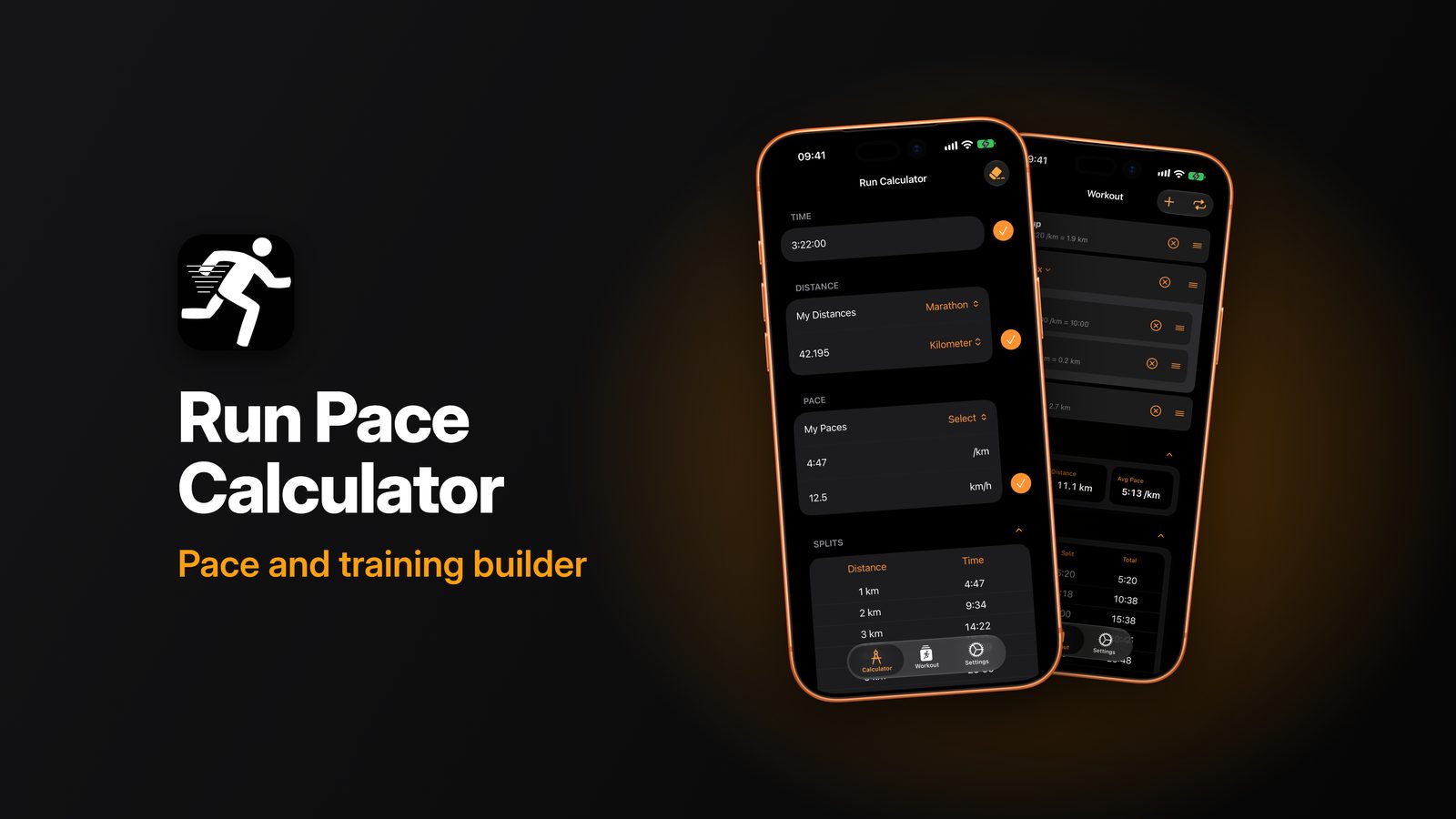
Work out pace, time, distance and speed for your runs, see your splits, and build structured workouts. For iPhone and iPad, iOS 17.4 or later.
Questions, problems or ideas? Send an email and you'll get a reply.
runpacecalculator@isselmuden.nlReporting a problem
Please include the app version (iPhone Settings › General › iPhone Storage › Run Pace Calculator), your device and iOS version, and what you did just before it happened. A screenshot helps.
How do I calculate my pace?
On the Calculator tab, enter your time and distance and the app shows your pace and speed. It works the other way round too: enter a pace and a distance to see your finish time.
What are splits?
The Splits table shows your time for a range of distances at the pace you entered, so you can plan a race.
How do I switch between kilometres and miles?
Go to Settings › Distance Unit and choose Kilometer or Mile. All calculations and tables follow that setting.
Can I save my own paces and distances?
Yes. Use My Paces and My Distances (Settings › Manage Paces / Manage Distances) to store values you use often, such as your marathon pace or a race distance.
How do I build a workout?
On the Workout tab, add steps (warm-up, run, recovery, cool-down) with a time, distance or lap, and a pace or heart-rate zone as target. Group steps in a repeat for intervals, and drag to reorder.
How do I set my heart-rate zones?
Go to Settings › Manage HR Zones and set the limits for each zone.
Are my settings synced between devices?
Yes, if iCloud is turned on for your Apple ID. Your settings sync through your own iCloud account.
Which languages are supported?
English, Dutch, German, Spanish, French, Portuguese, Polish, Swedish, Thai and Indonesian. The app follows your device language.
Does the app collect my data?
No. The app has no accounts, no analytics, no advertising and no tracking. Your calculations and settings stay on your device and in your own iCloud account.